AI-Powered Multi-Marketplace Catalog Management: Scale Your Amazon Business Across Multiple Stores
Learn how AI-powered catalog management and unified multi-store dashboards help sellers create, optimize, and publish compliant product listings across multiple Amazon marketplaces.
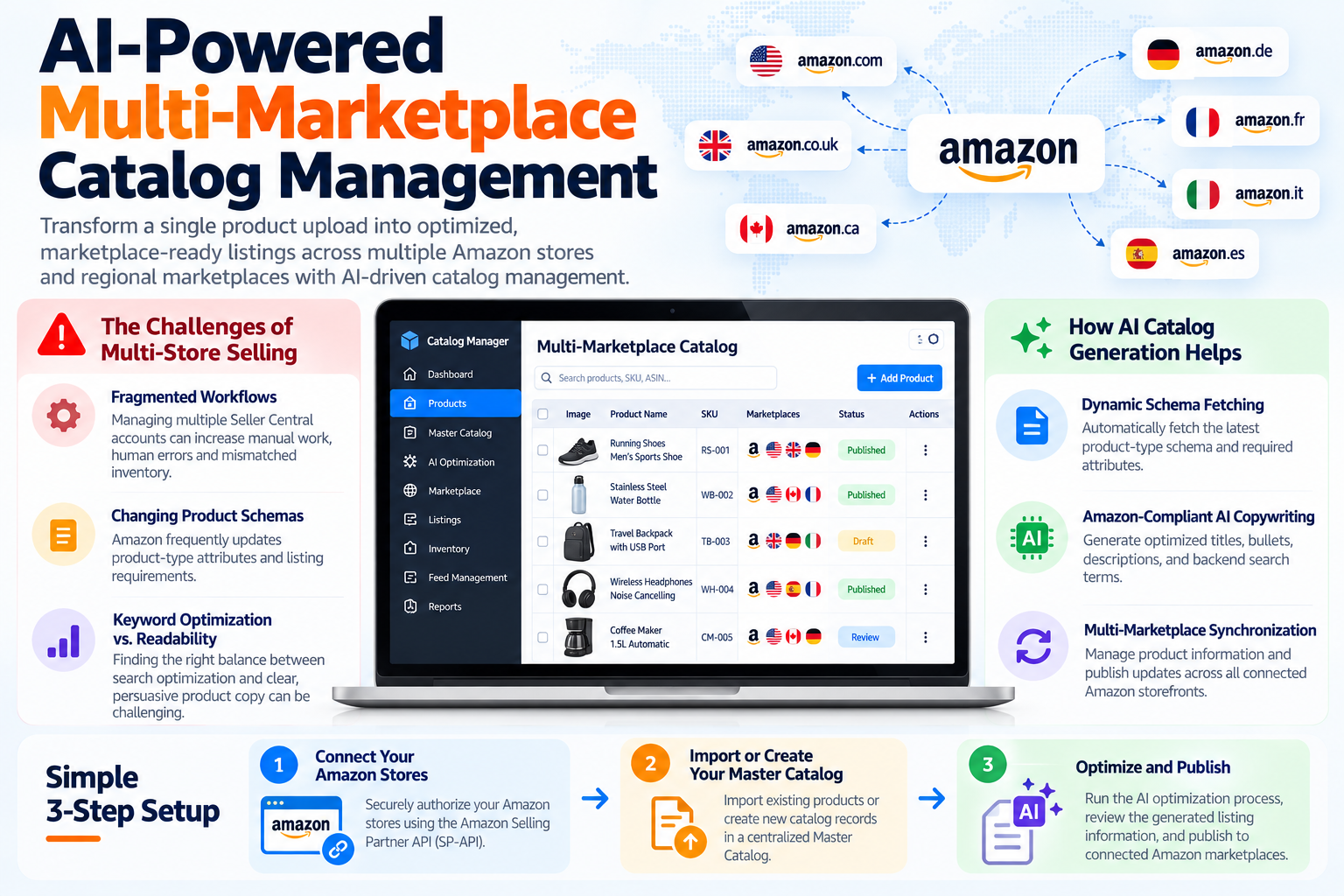
AI-Powered Multi-Marketplace Catalog Management
Managing product listings across multiple Amazon stores and regional marketplaces can become one of the biggest operational challenges for growing e-commerce brands.
Every marketplace may have different category taxonomies, mandatory attributes, character restrictions, and listing requirements. Managing these requirements manually through spreadsheets can lead to feed rejections, inconsistent product information, and poorly optimized listings.
With modern AI-driven catalog management, sellers can transform a single product upload into optimized, marketplace-ready listings while reducing repetitive manual work.
The Challenges of Multi-Store Selling
1. Fragmented Workflows
Managing multiple Seller Central accounts requires sellers to repeatedly log in, update information, and monitor individual stores. This can increase the possibility of human errors, missed updates, and mismatched inventory.
2. Changing Product Schemas
Amazon frequently updates product-type attributes and listing requirements. A template that worked previously may no longer contain the latest mandatory attributes.
3. Keyword Optimization vs. Readability
Sellers need to balance marketplace search requirements with clear and persuasive product copy. Overusing keywords can negatively affect readability while insufficient optimization can limit product visibility.
How AI Catalog Generation Helps
1. Dynamic Schema Fetching
Instead of manually determining which attributes are required, an automated catalog system can fetch the relevant product-type schema and use the latest available requirements when preparing a listing.
2. Amazon-Compliant AI Copywriting
AI can assist in creating structured product content, including titles, bullet points, descriptions, and backend search terms, while following configured marketplace requirements.
3. Multi-Marketplace Synchronization
A unified Master Catalog can be used to manage product information and publish updates across connected Amazon storefronts while adapting the listing data to regional marketplace requirements.
Simple 3-Step Setup
Step 1: Connect Your Amazon Stores
Securely authorize your Amazon stores using the Amazon Selling Partner API (SP-API) and the appropriate authentication flow.
Step 2: Import or Create Your Master Catalog
Import existing products or create new catalog records within a centralized Master Catalog.
Step 3: Optimize and Publish
Run the AI optimization process, review the generated listing information, and publish approved updates to the connected Amazon marketplaces.
Summary
Managing multiple Amazon marketplaces does not have to mean managing completely separate catalog workflows.
Centralizing product data and using AI-assisted catalog automation can help sellers reduce repetitive work, maintain consistent product information, and prepare marketplace-ready listings more efficiently.
Ready to automate your catalog & inventory in real time?
SellerBuz synchronizes stock across Amazon FBA & FBM with AI-powered listing tools.